
iPhone
- Photograph and read receipts
- Add photos and files
- Check and edit the fields
- Work with no signal
- Lock the app and keep a backup
Supported operating system versions will be confirmed in the store listing.
Photograph a receipt, read it on your phone and check the details. No account needed to start.


The app store listings are not live yet. The official badges will become links when they are available.
Get started on the web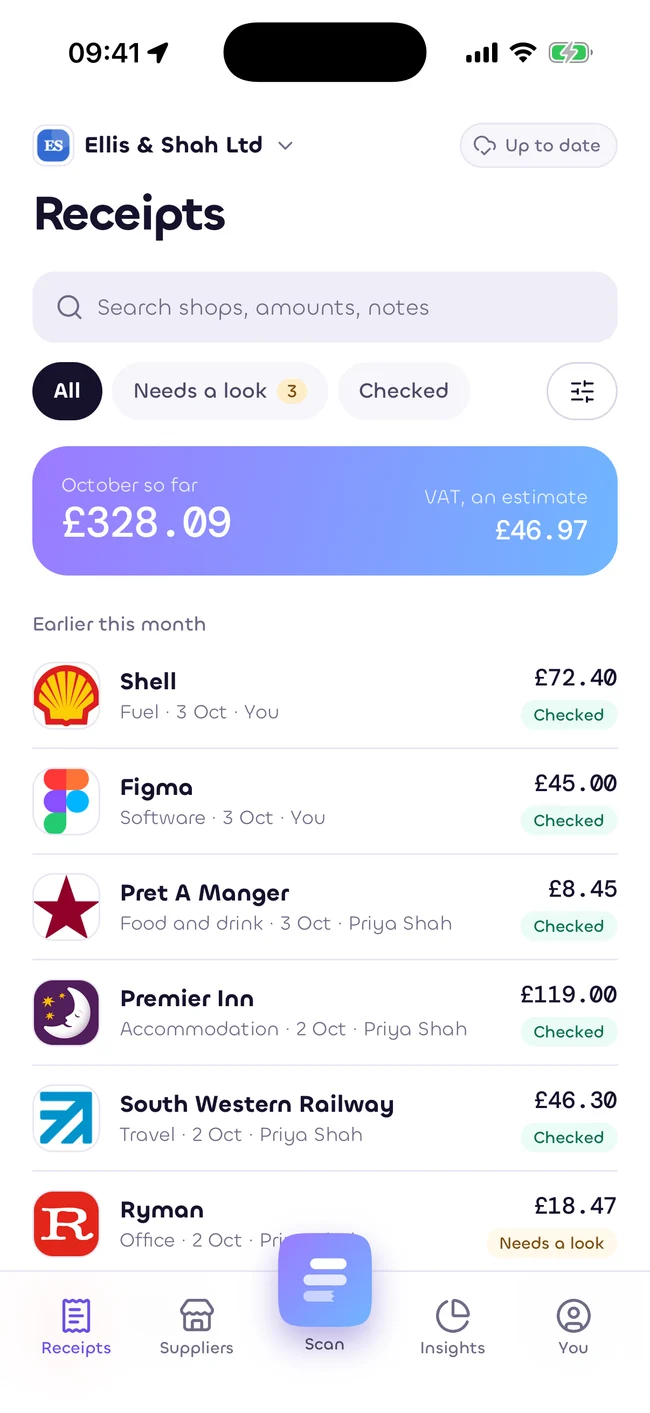
Supported operating system versions will be confirmed in the store listing.
Supported operating system versions will be confirmed in the store listing.
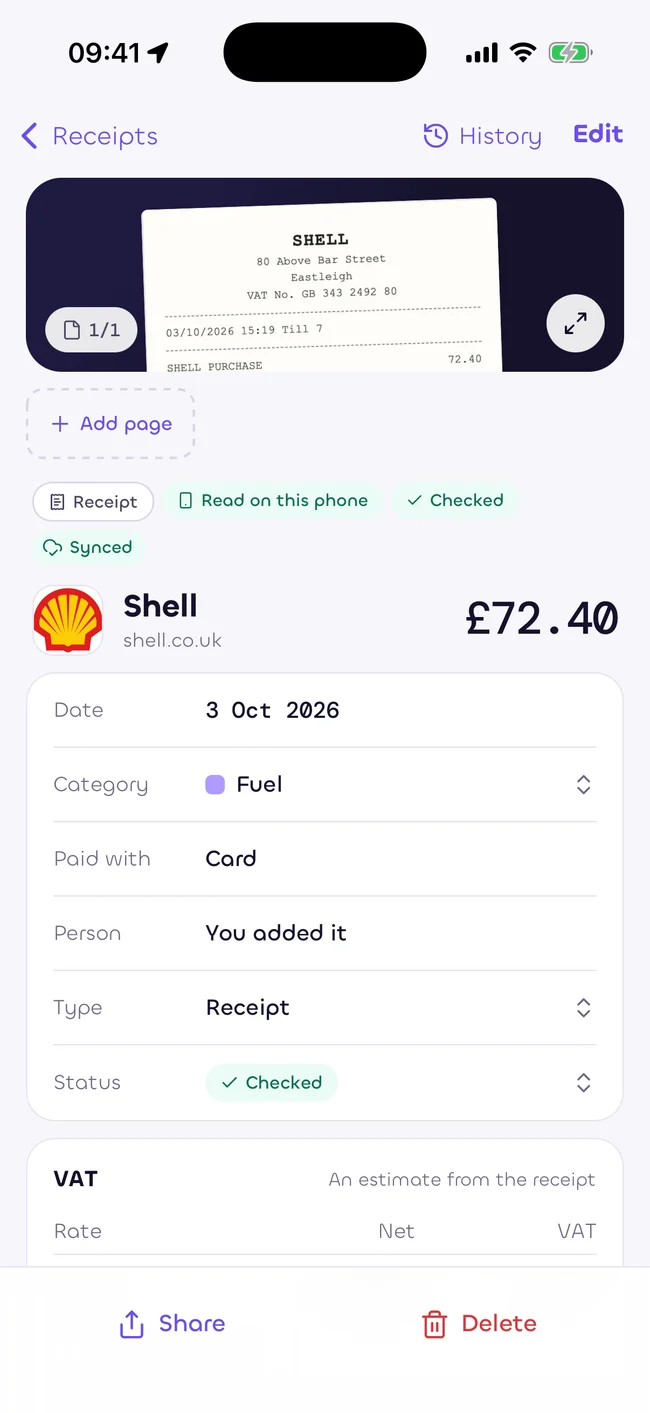
Keep the whole receipt in view, in good light.
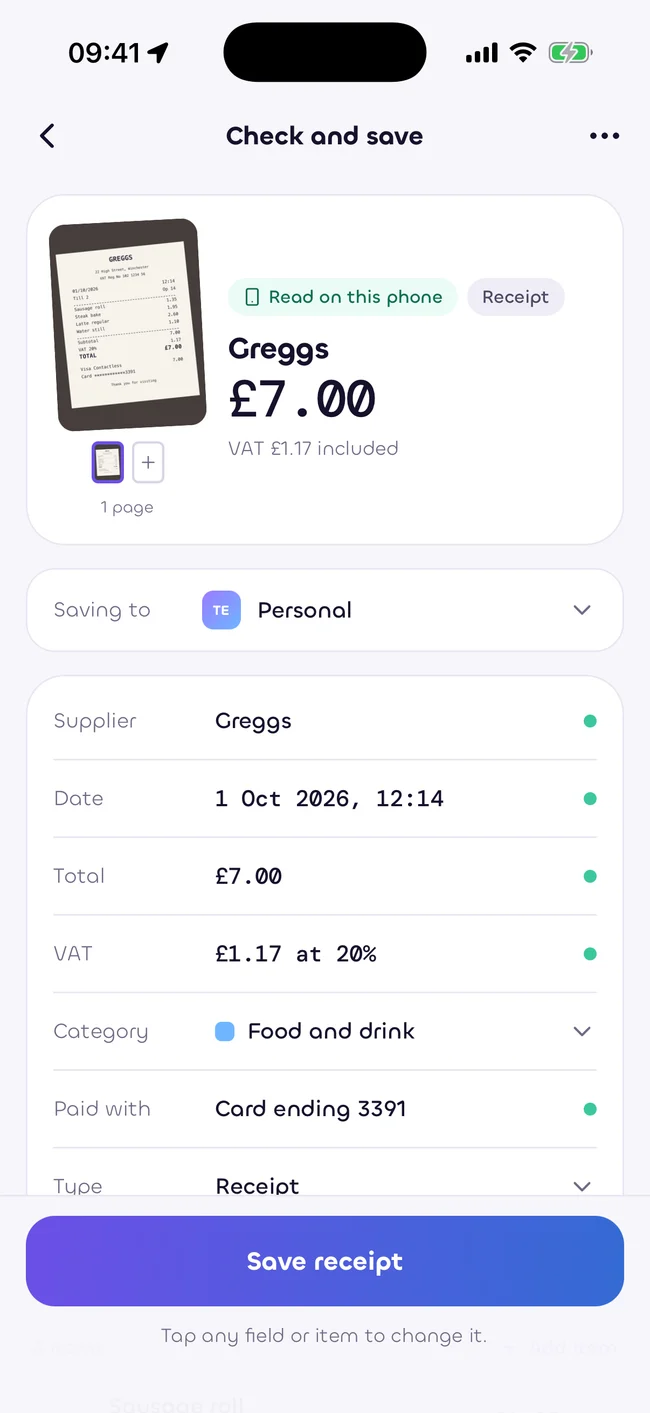
Read the fields beside the image. Correct anything uncertain.
Find it again in Receipts, with its category and total.
Camera access is for capturing receipts. Photo access is for the images you choose. Face ID or a fingerprint can protect the app.
No account is required for local reading and saving. Choose to sign in when you want to use a workspace.
How we look after your dataCheck your phone’s store listing when it is live. Keep a backup of your receipts, and check anything the reader is unsure about.
Read the first receipt guideEstimates only, as at 5 October 2026. Not tax, legal or financial advice. Rules change. Check with your accountant.